Mouse Mover App for Windows & Mac
Your phone becomes the mouse mover, no extra hardware and no PC software needed.
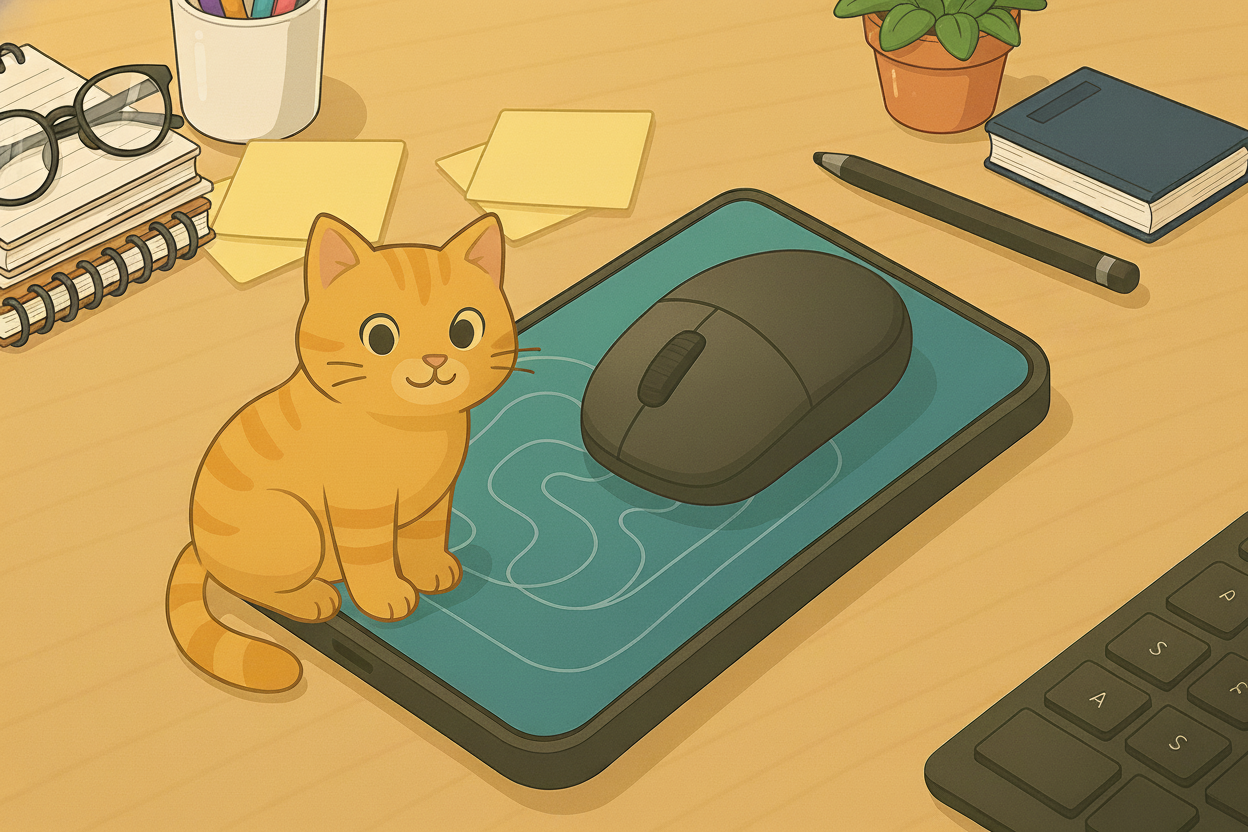
Prevent your computer screen from locking effortlessly. Mouse Mover turns your Android phone into a physical
mouse jiggler, helping keep your PC awake while you focus on what matters — meetings, downloads, presentations, or reading.
Unlike desktop apps or expensive USB devices, Mouse Mover works using your phone’s screen animation and
vibration to create subtle, natural mouse activity. Just launch the app, place your mouse sensor on the moving
pattern, and let it run.
Perfect For
- Online meetings (Microsoft Teams, Zoom, Slack, Skype)
- Long downloads, updates, and installations
- Presentations, screen sharing, and demos
- Reading documents without your PC going idle
- Remote work when you want to avoid “Away” status
Key Features
- Scroll Mode: Moves a visual pattern to trigger optical mouse sensors.
- Vibration Mode: Uses your phone’s vibration motor to nudge the mouse (great when brightness isn’t enough).
- Random Interval Mode: Adds variation to movement timing for a more natural feel.
- Power Saving: Automatically dims the screen between actions to reduce battery usage.
- Custom Timer: Set pause duration and movement frequency based on your workflow.
Advanced Settings
Mouse Mover offers flexible settings so you can dial in the exact behavior you want:
- Vibration: Enable or disable vibration mode.
- Vibration Duration: Customize how long each vibration lasts.
- Pause Duration: Set the time between two scrolls or vibrations.
- Brightness Level: Adjust brightness when the app activates (lower brightness may reduce effectiveness).
Compatibility & Best Practices
Mouse Mover works best with optical mice that use a visible red light sensor. For the best results, place the mouse sensor directly over the moving pattern and keep your phone brightness high.
- Red Light (Optical) Mice: most reliable option — recommended.
- Laser / Invisible Light Mice: may be less responsive — try Vibration Mode or switch to a classic optical mouse.
Why Choose Mouse Mover?
- No PC Software Needed: nothing to install on your computer.
- No Extra Hardware: no dongles, no cables — just your phone and mouse.
- Privacy-Friendly Setup: works from your phone without modifying PC settings.
- Cost-Effective: similar hardware tools can cost up to $30.
Disclaimer
Please use this application responsibly and follow your workplace policies.